Xinlai Liu – Academic Pages Update Plan
Xinlai Liu – Academic Pages Update Plan
This checklist will help you personalize your GitHub Pages site (forked from Academic Pages).
✅ Phase 1: Site-wide configuration (done by Alysa)
_config.yml– Update:title,name,descriptionurl→https://xinlailiu.github.io(or your actual GitHub username)repository→XinlaiLiu/XinlaiLiu.github.io(orAdamXinlaiLiu/XinlaiLiu.github.ioif the repo is under that account)- author: name, bio, location, employer, email, avatar
- author links: Google Scholar, ResearchGate, ORCID, GitHub, LinkedIn; clear or set
pubmedif unused
✅ Phase 2: Homepage and CV (done by Alysa)
_pages/about.md– Replace template text with your short bio, research focus (blockchain, trustworthy AI, etc.), and optional links. This is the main landing page (/)._pages/cv.md– Replace placeholder sections with your real:- Education (degrees, institutions, years)
- Work experience (current: Ezra Systems Postdoctoral Associate & Visiting Lecturer, Cornell; add past roles from your CV)
- Skills (research areas, methods, tools)
- Service and leadership (optional)
- Publications, Talks, and Teaching sections are auto-generated from
_publications/,_talks/, and_teaching/.
Phase 3: Content you should complete
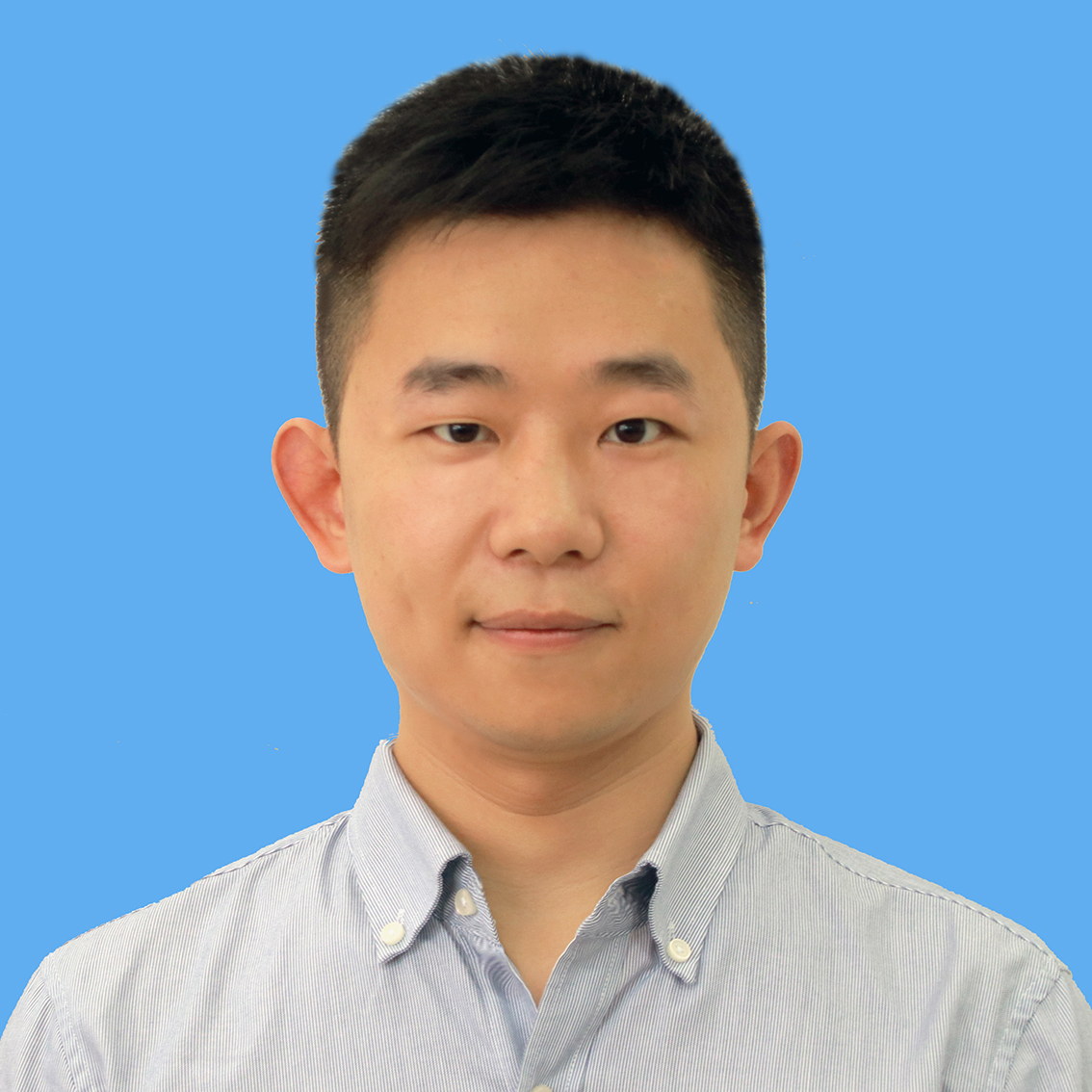
3.1 Profile image
- Add a profile photo to
images/profile.png(or updateauthor.avatarin_config.ymlif you use another filename). This appears in the sidebar.
3.2 CV PDF (optional)
- Export your CV as PDF and save it as
files/cv.pdf. The “Download CV as PDF” link (e.g. on the CV page or in navigation) can point to/files/cv.pdf.
3.3 Publications
- Replace sample items in
_publications/with your real papers. Each publication is one Markdown file with YAML front matter (title, date, venue, paperurl, citation, etc.). - Use your Google Scholar and ResearchGate to copy titles, venues, years, and links.
- Option: use
markdown_generator/(e.g.publications.csv+ notebooks) to generate many_publications/*.mdfiles from a spreadsheet.
A few of your papers are already added as examples (see Phase 5 below). Add or edit the rest from your CV/Scholar.
3.4 Talks
- Replace example files in
_talks/with your real talks (title, date, venue, location, slides link, etc.). Same YAML + Markdown format as in the template.
3.5 Teaching
- Update
_teaching/with courses you have taught or will teach at Cornell (or elsewhere). Remove or repurpose the default “GitHub University” entries.
3.6 Portfolio & blog (optional)
_portfolio/– Add project pages if you want a portfolio section._posts/– Add blog posts if you want a blog; the “Blog Posts” link in the nav points to the year archive.
3.7 Navigation
_data/navigation.yml– Reorder or remove menu items (e.g. remove “Guide” or “Blog” if you don’t use them). Only one of the two CV options should be enabled (Markdown CV vs JSON CV).
Phase 4: Repository and GitHub Pages
- Ensure the repo is named
<your-username>.github.io(e.g.XinlaiLiu.github.ioorAdamXinlaiLiu.github.io) so it becomes your main GitHub Pages site. - In the repo Settings → Pages, confirm that the source is the default branch (e.g.
masterormain) and that the site is published. Your site will be athttps://<your-username>.github.io.
Phase 5: What Alysa has already done
_config.yml– Set your name (Xinlai Liu), bio, location (Ithaca), employer (Cornell University), and links: Google Scholar, ResearchGate, ORCID, GitHub (AdamXinlaiLiu), LinkedIn. Removed or left blank unused fields (e.g. pubmed)._pages/about.md– Replaced with a short homepage about you, your position at Cornell, and research areas (blockchain, trustworthy AI, production/supply chain, sustainability)._pages/cv.md– Filled in Education, Work experience, and Skills with placeholders based on your public info; left Publications/Talks/Teaching to be filled from the collections. You should edit this file with exact degree names, dates, and job details from your CV (1_Xinlai_Liu-CV.docx)._publications/– Added 2–3 real publication entries from your Google Scholar list so you can see the format. You can duplicate these and add the rest of your papers.
Running locally
From the repo root:
bundle install   # if not done yet
bundle exec jekyll serve -l -H localhost
Then open http://localhost:4000. Restart the server after changing _config.yml.
Summary
| Item | Status / Action |
|---|---|
| Site config | ✅ Updated |
| Homepage (about) | ✅ Updated |
| CV structure | ✅ Updated (you fill details from CV) |
| Author links | ✅ Google Scholar, ResearchGate, ORCID, GitHub, LinkedIn |
| Sample publications | ✅ A few added; add the rest from Scholar/CV |
| Profile image | ⬜ Add images/profile.png |
| CV PDF | ⬜ Optional: add files/cv.pdf |
| Talks / Teaching | ⬜ Replace with your data |
| Navigation | ⬜ Adjust in _data/navigation.yml if needed |
If you tell me your exact degree names, dates, and job titles from your CV (or paste the text), I can refine _pages/cv.md and add more publications. We can do the rest step by step together.